

Container-Driven Development:
Beyond Production, Into Your Workflow
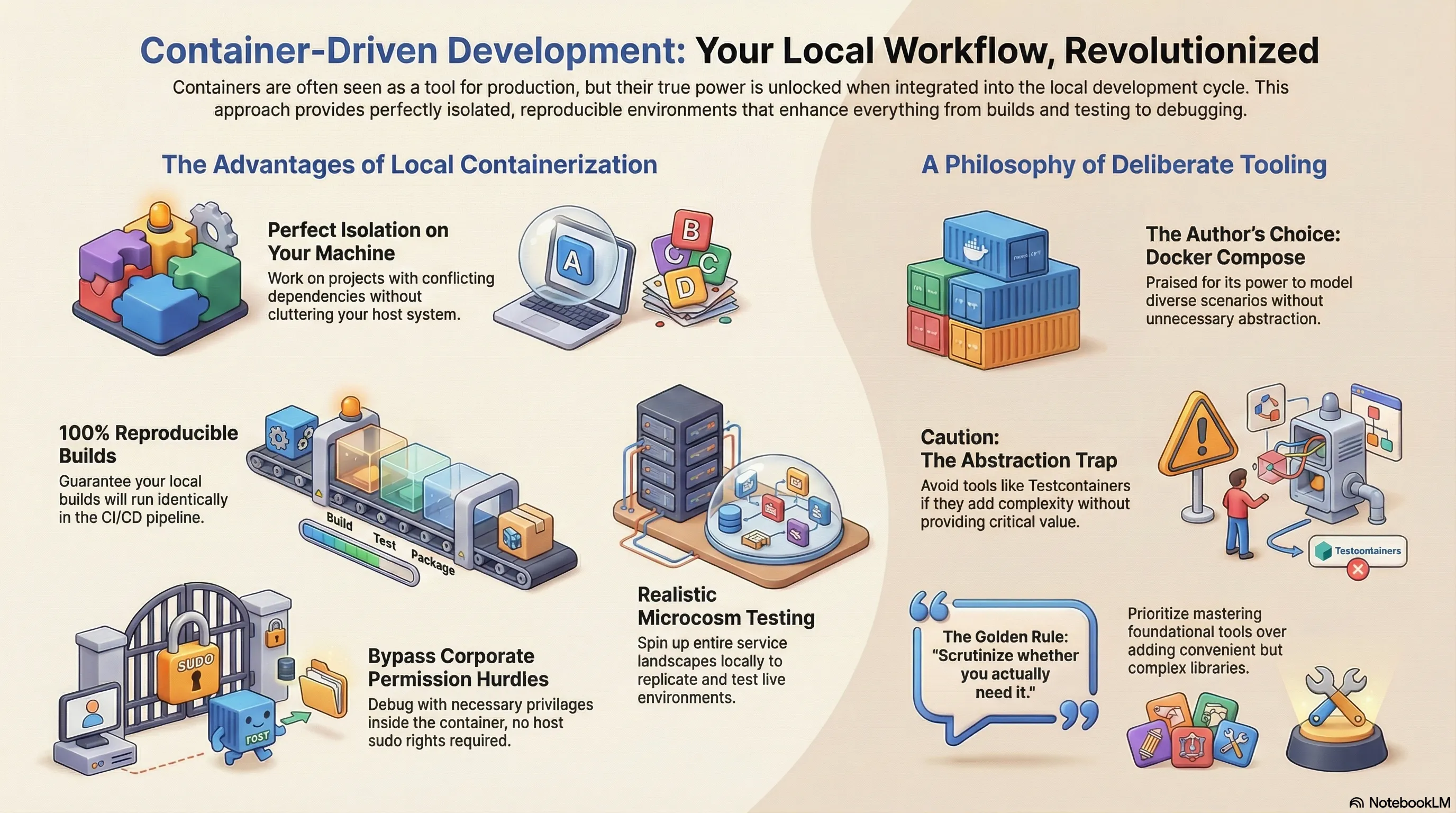
Containers have become indispensable—not just for running web services or other networked applications. Encapsulating everything in a defined environment massively simplifies the nightmare of incompatible dependencies. But this isolation isn’t just a production perk; it’s a game-changer for local development. There are several compelling reasons why running containers on your local machine delivers immense value.
Local Isolation: Your Clean-Slate Advantage
The most obvious benefit is local isolation. Containers shield the runtime environment from your host system. This lets you leverage the same advantage as in production: you can work on projects with fundamentally different runtime demands—not just different libraries, but specific, often conflicting, versions.
The Build Stage: Where the Magic Really Happens
Even more powerful is the step before that: building applications in isolated environments. Potential conflicts between project setups simply cease to be a problem. Your host system stays pristine, while all necessary build steps execute in a sealed, reproducible sandbox. This guarantees that your local builds don’t just work for you—they will run identically in the CI/CD pipeline.
Beyond Single Containers: Orchestrating Local Microcosms
This is where the real fun begins. In production, you rarely run a single container (they’re usually orchestrated by Kubernetes). You can apply the same principle locally: by linking multiple containers through defined networks, you can spin up entire service landscapes for testing. I use this to replicate live environments or to launch specific segments of a complex application for integration and acceptance tests.
As a Go developer, I take this a step further. I use special builds to extract coverage data from these integration tests and merge it with my unit test results. This provides a far more comprehensive view of my test coverage, instantly highlighting any neglected code paths. The coverage reports are crucial—they ultimately expose code that isn’t even touched by real application use cases.
Debugging: Sidestepping the Corporate Permission Maze
With a container integrated with Delve, I can debug directly inside it. The killer feature? In many corporate environments, you no longer have blanket sudo rights on your machine, often requiring temporary permissions. Containerized debugging obliterates this need—the debugger operates with the necessary privileges inside its isolated environment, leaving your host system untouched.
My Tool of Choice: Docker Compose, Not Abstractions
For these setups, I swear by Docker Compose. It’s an incredibly powerful tool for modeling diverse scenarios. I don’t even sacrifice dynamic port assignments; my tests can read the randomly allocated ports and use them to connect from outside the container network.
This brings us to the popular alternative: Testcontainers.
At first glance, Testcontainers seems elegant—everything is defined within the test suite. Tests spin up necessary containers, manage parallel instances, and resolve dynamic ports automatically, all without leaving your code. You can even base it on an existing Docker Compose configuration.
And yet, I deliberately avoid it. My rule is simple: I eschew dependencies that don’t provide critical value. Testcontainers, for me, is an abstraction too far. It promises power with dynamic test scenarios, but a hard look at actual requirements often reveals it’s unnecessary overhead.
With Docker Compose, I can just as easily launch multiple, differently configured instances. For my tests, independence from external state is paramount. I often keep a Docker Compose setup running permanently, only recreating the containers that truly matter, ensuring tests are never contaminated by residual data.
The Bottom Line: Choose Deliberately, Not Lazily
Let me be clear: Testcontainers isn’t bad. The eternal rule applies: scrutinize whether you actually need it. My philosophy, however, prioritizes deliberate omission over convenient abstraction. I’d rather master and explicitly script my environment with a foundational tool than hide behind a library that promises to save me a few lines of code. Sometimes, the “shortcut” is the longer path to understanding.