





Initial Usage and Observations
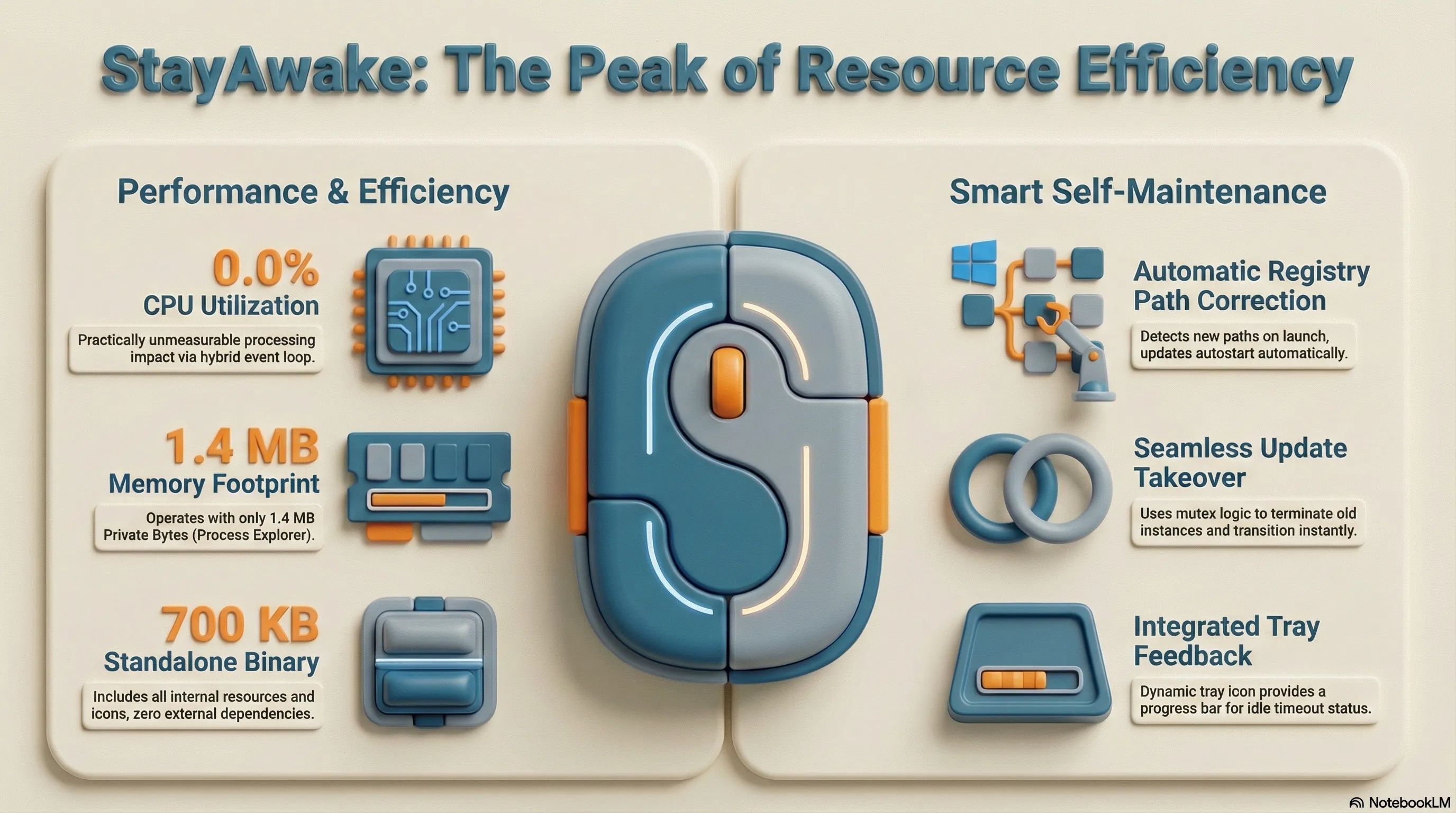
After the first few days of real-world use, I’m overall very satisfied with the result. One point that initially seems off is the binary size: over 700 KB feels large for such a lean tool. However, considering that all required resources and the app icon were directly integrated to guarantee a standalone solution without external dependencies, this is an acceptable outcome.
Resource Efficiency in Practice
Resource consumption during operation, on the other hand, is excellent:
- According to Process Explorer, the application occupies only 1.4 MB of Private Bytes.
- CPU usage remains consistently at 0.0%.
- The tray icon, with its dynamic progress bar, provides genuine added value by giving direct feedback on when the idle timeout will take effect.
Smart Self-Maintenance
A technical highlight in daily use is the automatic registration in the Registry’s autostart directory
(HKCU\...\Windows\CurrentVersion\Run). Since I use mise with the GitHub backend for installation, each new version
lands in its own path. StayAwake detects this on every launch and automatically updates the Registry path to point to
the current binary.
This workflow elegantly solves the problem of locked files: I can simply download the update and start the new version. It terminates the old instance via mutex logic and seamlessly takes over—including correcting the autostart path.
The combination of
miseand automatic path correction in the Registry is an excellent example of ‘self-healing software.’ Instead of relying on complex installers, the tool handles its own maintenance. Achieving 0.0% CPU load also confirms the efficiency of the hybrid event loop withMsgWaitForMultipleObjects—a resource footprint that is practically unmeasurable.