





How the Project Started
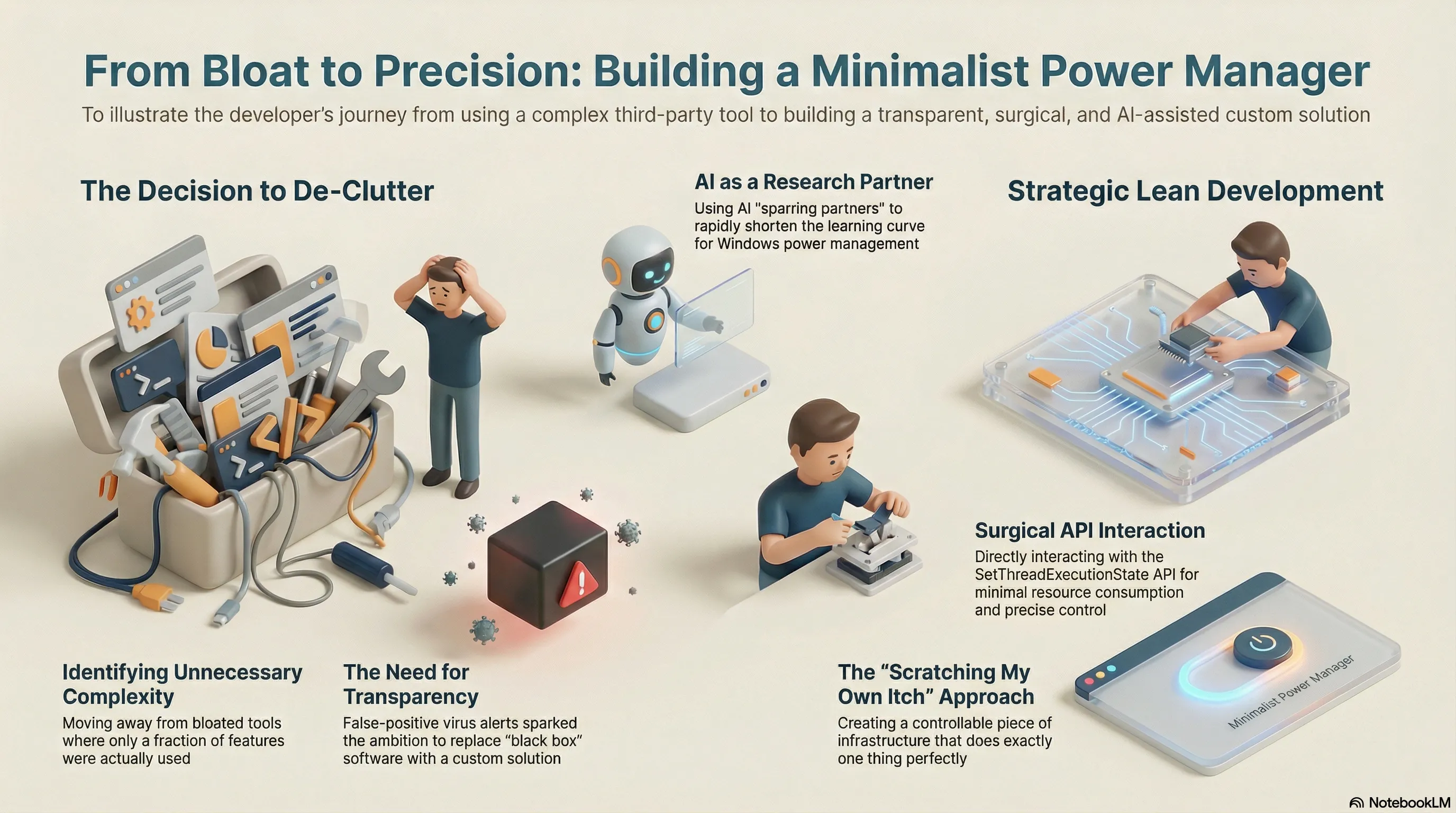
For years, I relied on the tool Don’t Sleep on Windows. It solved a specific problem for me: preventing applications from arbitrarily blocking standby mode, while still allowing me to keep the system active when needed—for instance, during research with pen and paper.
The Limits of an Existing Solution
Although Don’t Sleep worked reliably, I only ever used a fraction of its complex features. The final push to create my own project came from repeated false-positive virus scanner alerts regarding its binary. While this was clearly a misinterpretation, it sparked a pragmatic ambition: why rely on a black box when I could replicate my specific use case with a minimalist, transparent solution of my own?
Building a Tailored Approach
With no prior experience in Windows power management, but driven by the goal of a lean implementation, I began my
research. It quickly became clear that directly interacting with the Windows Power Manager via the
SetThreadExecutionState API offered the surgical precision I was looking for.
This project is a prime example of modern software development: identifying unnecessary complexity in existing tools leads to the decision to build a custom-tailored solution. By strategically using AI as a sparring partner during the research phase, the learning curve for Win32 API interaction was dramatically shortened. The result is not just a tool, but a controllable piece of infrastructure that does exactly one thing perfectly: provide absolute control over the system state with minimal resource consumption.