





Exploring the Concept
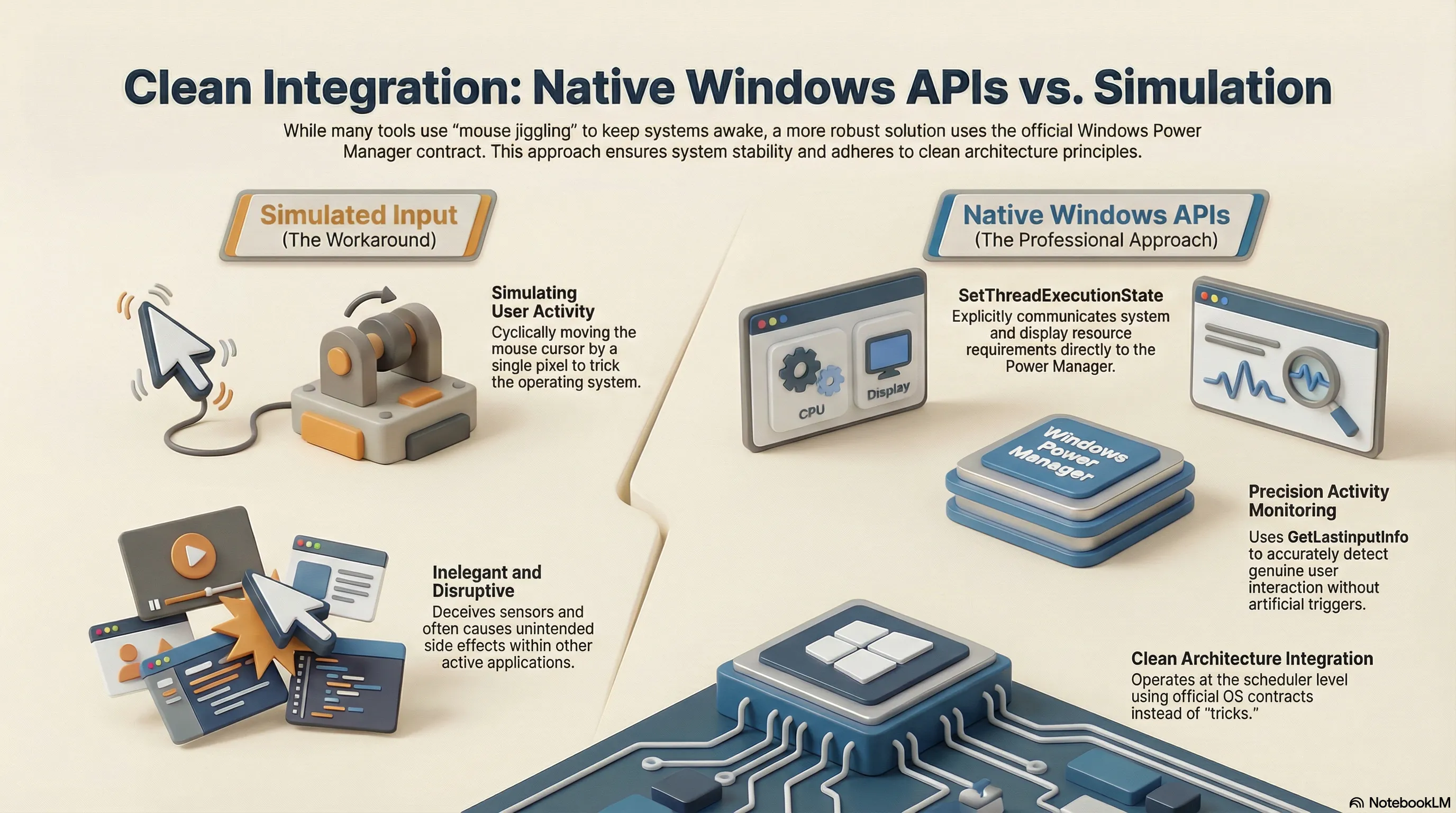
First, I needed to understand the different technological approaches available to artificially keep a system awake. A common method is simulating user input—for example, by cyclically moving the mouse cursor by a single pixel. While this has the side effect of “simulating” active presence, it felt like an inelegant workaround. My goal was a solution that integrated as unobtrusively and natively as possible with Windows.
Leveraging Native Windows APIs
My research revealed that the Windows API already provides all the relevant tools to implement this with precision:
- State Definition: The
SetThreadExecutionStateAPI allows you to explicitly communicate to the Power Manager which system resources (system, display) are currently required. - Activity Monitoring: Using
GetLastInputInfo, you can accurately determine when the last genuine user interaction occurred. - Active Control: By sending an
SC_MONITORPOWERcommand, the application can deliberately turn off the screen once a defined idle timeout has been exceeded.
This approach makes it possible to operate the tool without resorting to “tricks,” instead leveraging the interfaces provided by the operating system itself.
Choosing
SetThreadExecutionStateover simulated input is technically superior. While ‘mouse jigglers’ can often have unintended side effects in other applications, the official API operates at the scheduler level. It’s cleaner code in the sense of Clean Architecture: you’re using the contract the operating system provides, rather than deceiving its sensors.